


Unlock Gaming Freedom: Ultimate NS Archive Drive
Unlock Gaming Freedom: Ultimate NS Archive Drive
- 🔓 Unlock Ultimate Fun
- 🚀 Easy Setup, Powerful Results
- 🎮 Enjoy Endless Gaming Options
- Versand mit Sendungsverfolgung
- Sichere Zahlung
- Rückgabe gemäß Richtlinie
Informationen
Produktbeschreibung
Experience Gaming Brilliance 🌟
Unleash your Nintendo Switch with our innovative U Disk Archive—your gateway to unlimited thrill and excitement! Dive into an adventure of games and homemade fun with a few simple steps.
Quick Setup Guide:
- Step 1: Extract the SD file onto your microSD card. For ultimate performance, consider using exFAT. 🕹️
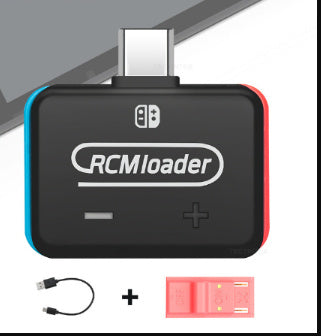
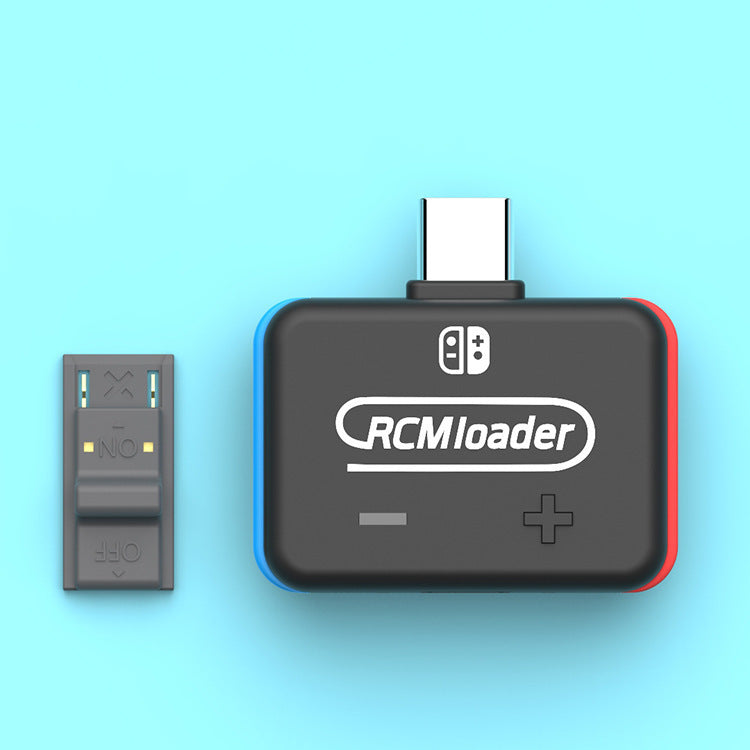
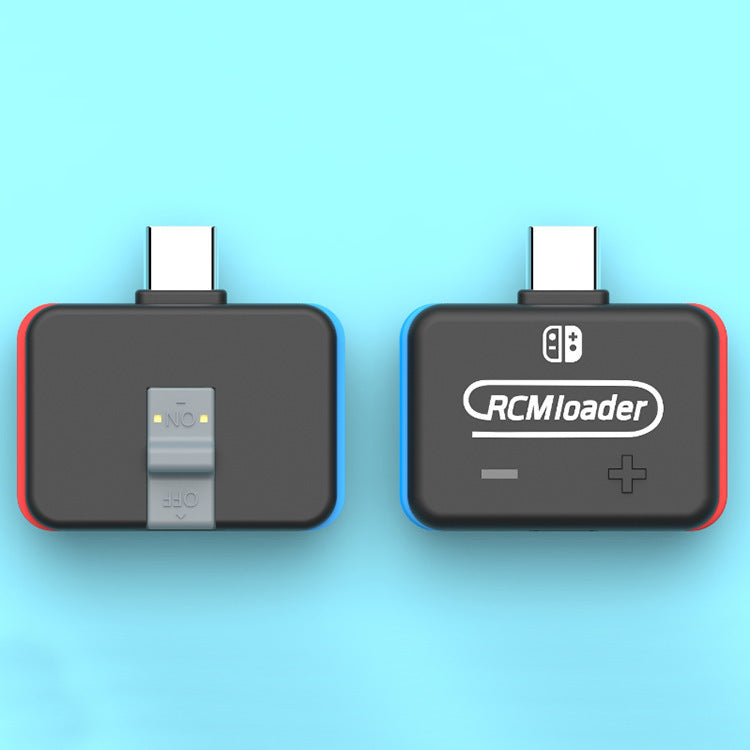
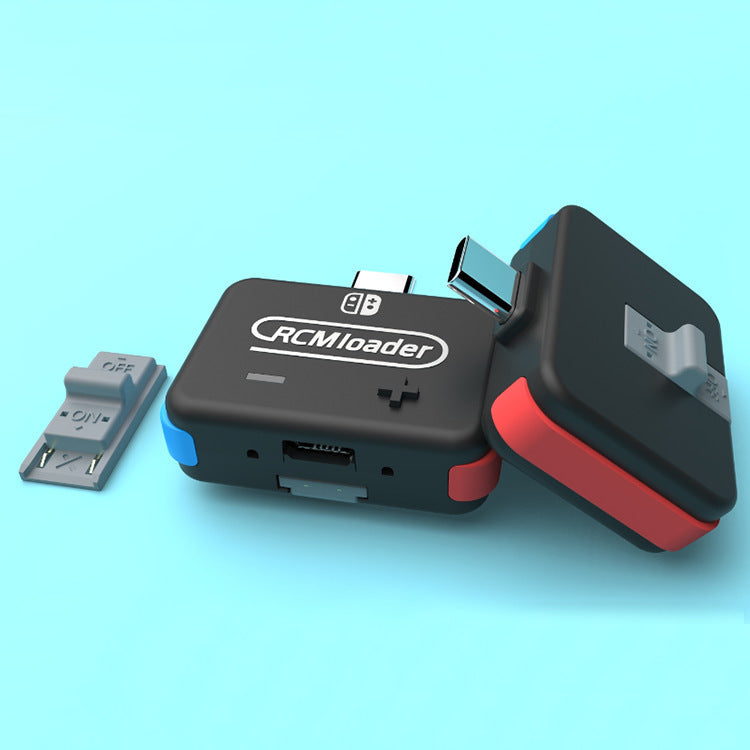
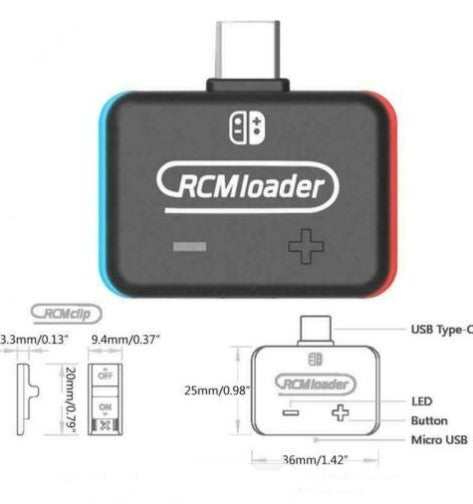
- Step 2: Equip your console with the RCMloader and RCMclip. Connect effortlessly!
- Step 3: Engage Custom Firmware (CFW) by holding volume up and pressing power. 🚀 After setup, remove the RCMloader.
- Step 4: Indulge in a vast universe of reel-making and homemade games!
Extended guide available here.
Hurry! Experience limitless gaming TODAY!
Product Features:
- RCMloader: Perfect for all SX Pro needs
- Compatibility: Seamless experience with Atmosphere and ReiNX
- Durability: Built to withstand your thrilling adventures!


Merkmale & technische Daten
Revolutionize Your Gaming Experience!
| Feature | Technical Details |
|---|---|
| RCMloader Compatibility | Works seamlessly with Nintendo Switch & SX OS |
| Storage Compatibility | Supports microSD cards with exFAT for files over 3.7GB |
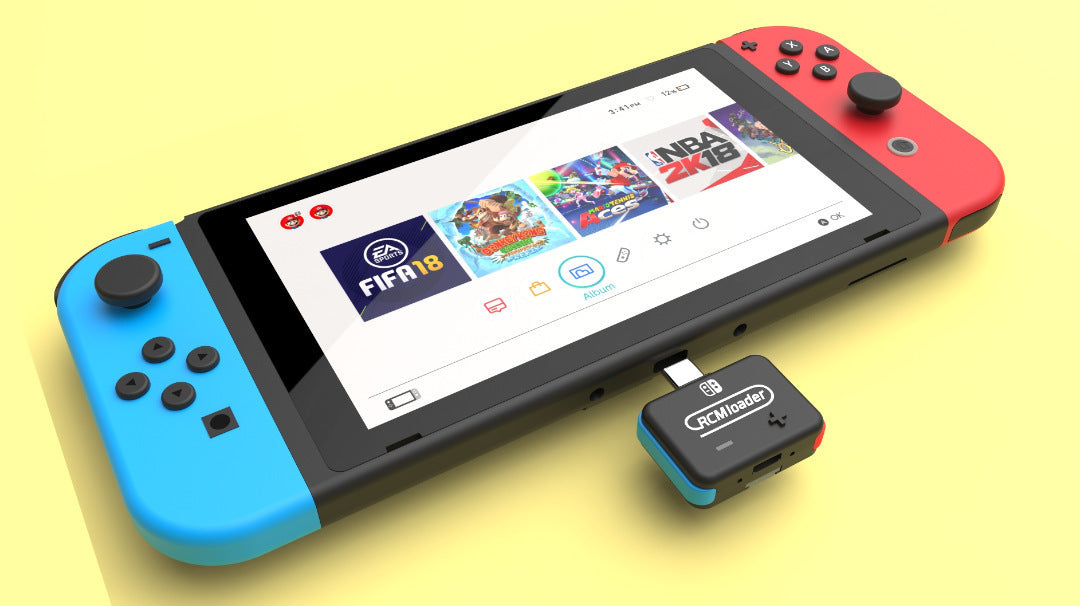
| Plug & Play Design | Inserts easily into the charger port |
| Versatile Usage | Enables use with Atmosphere, ReiNX, SXOS |
Limited stock available - get yours today before they're gone!
Anwendung & Pflege
Simple Steps to Gaming Glory!
- Unzip the SD file to your microSD card. For large files (>3.7GB), use exFAT format.
- Insert the RCMloader into the Switch's charger port; place RCMclip in the right Joy-Con rail.
- With volume up pressed, tap the power button to start CFW.
- Once active, remove the RCMloader and RCMclip.
Ensure the microSD card is free from dust and dirt to maintain optimal performance. For detailed guidance, refer to the comprehensive user manual.
Versand & Rückgabe
Bestellungen werden nach Zahlungseingang bearbeitet. Die voraussichtliche Lieferzeit in die Schweiz beträgt in der Regel 7–12 Werktage. Die endgültigen Versandkosten und verfügbaren Lieferoptionen werden im Checkout angezeigt.
Informationen zu Rückgaben und Erstattungen findest du in unserer Rückgaberichtlinie. Bitte kontaktiere uns vor einer Rücksendung.